
Insights
Conversational commerce for local stores in India: why we built Seathu
Conversational commerce lets customers buy by asking. Why it suits local stores in India, how an order works step by step, and why we built Seathu.
Gavallapalli team · 12 November 2026 · 15 min read
 Insights
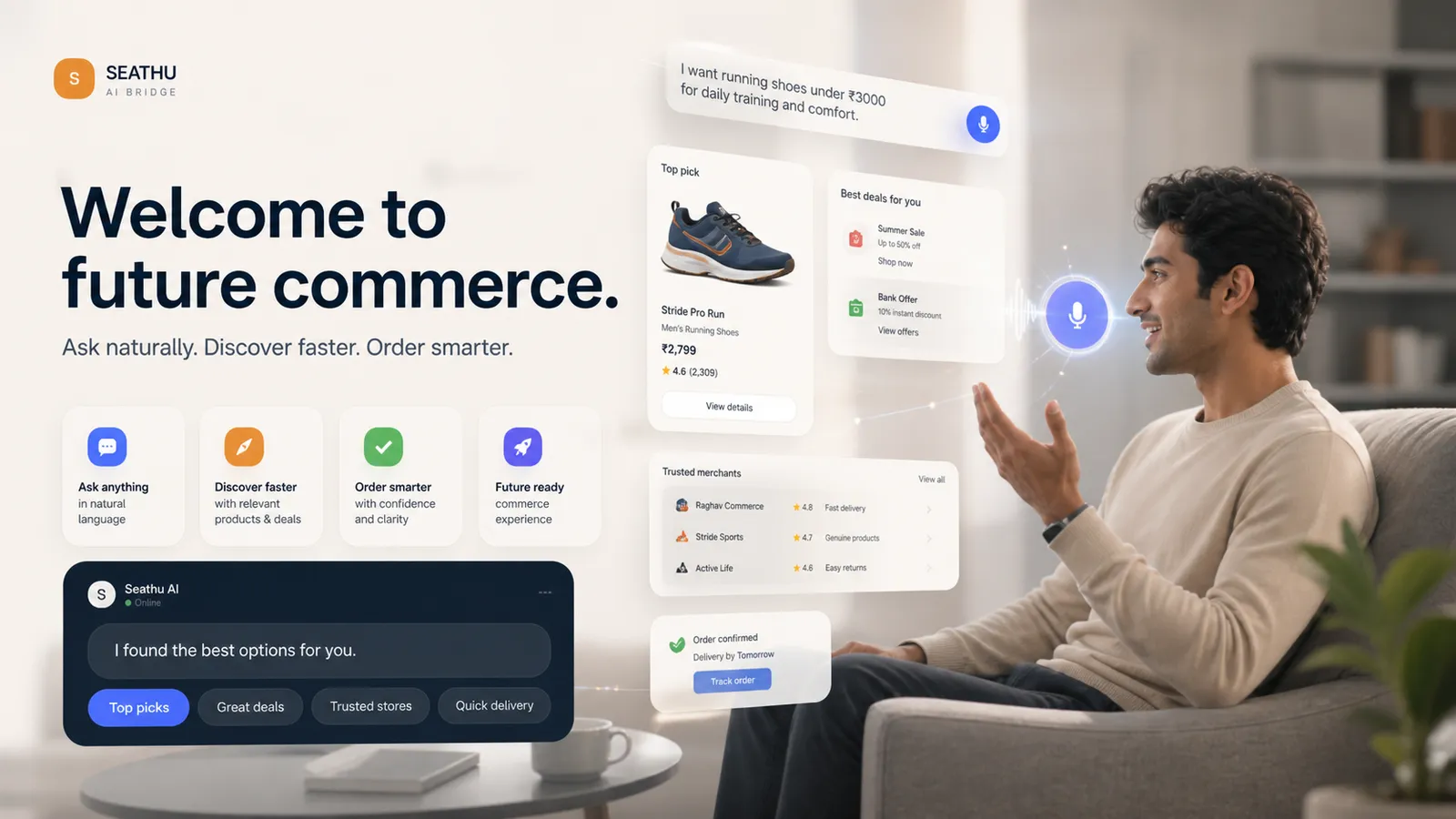
Conversational commerce lets a customer buy by asking, in their own words, instead of searching through menus. For local stores in India, it means a shopper can say "I need tomatoes, atta and a phone charger" and get matching products from nearby shops, ready to order and deliver. We built Seathu to bring that to neighbourhood stores.
By the Gavallapalli team · Published 12 November 2026 · Last updated 12 November 2026
Key takeaways
- India had 1,092.79 million internet subscribers at the end of March 2026, and 94.18% of them connect through mobile, according to TRAI.
- UPI handled 24,162 crore transactions worth about ₹314 lakh crore in FY 2025-26, so paying a local shop from a phone is already normal.
- Seathu lets customers ask Sakhi, its AI assistant, for what they need by chat or voice, and finds it in nearby stores.
- Seathu went live on the web in May 2026, added Fresh and food delivery in July 2026, and reached Google Play in October 2026.
- A store can start conversational selling with its 30 to 50 best sellers, listed with the names customers actually say.
What is conversational commerce?
Conversational commerce is selling through a two-way conversation. The customer says what they want, asks questions and decides, all inside one chat or voice exchange. The seller, or an AI assistant acting for the seller, answers, suggests and takes the order. It replaces the pattern of browsing categories, filtering lists and comparing tabs with a single exchange.
The idea is old. A good shopkeeper has always worked this way: you describe what you need, and they bring it from the shelf. What changed is that software can now hold that conversation for many customers at once, in plain language, on a phone.
There are three common forms:
- Chat-based shopping, where the customer types a request and gets product suggestions back.
- Voice shopping, where the customer speaks the request, which suits people who prefer talking to typing.
- Assisted shopping, where a human or an AI helps a customer decide, then hands the order to checkout.
Why does it matter for local stores in India?
It matters because almost every customer a local store serves is now online, on a phone, and already pays digitally. Access is largely solved. What most neighbourhood stores still lack is a simple way to be found and ordered from online, which large platforms already have. A conversation is the easiest bridge between a customer's need and a nearby shop.
The numbers behind that are public. TRAI's Yearly Performance Indicators for 2025-26, released on 5 October 2026, report:
- 1,092.79 million internet subscribers at the end of March 2026, up from 969.10 million a year earlier.
- A yearly growth rate of 12.76% in internet subscriptions.
- 94.18% of internet subscriptions on mobile wireless.
- 1,026.75 million wireless data subscribers at the end of March 2026.
- Average mobile data use of 25.51 GB per subscriber per month in 2025-26, up from 21.53 GB the year before.
- An average of ₹8.02 earned per GB of wireless data in 2025-26, down from ₹8.97 in 2024-25.
Phones also reach well beyond the big cities. The same TRAI report counts 551.79 million rural telephone subscriptions at the end of March 2026, with rural tele-density at 60.46%. For a neighbourhood store in a small town, its customers are just as reachable on a phone as a city store's.
Payments are the other half. The Government of India's release on ten years of UPI states that UPI processed over 24,162 crore transactions worth about ₹314 lakh crore in FY 2025-26, up from 78 crore transactions in FY 2016-17. Monthly volume crossed 2,300 crore for the first time in May 2026, at 2,320 crore, and July 2026 set a new record of 2,366 crore. By June 2026, the Ministry of Finance reported nearly 55.49 crore users onboarded on UPI.
So customers are connected, data is cheap and digital payment is routine. What many local stores still lack is a storefront that customers can talk to.
How is ordering by conversation different from browsing an app?
Browsing makes the customer do the work: open the right category, filter, scroll and compare. Conversation lets the customer state the need and lets the system do the searching. For a shopper with a mixed list from several kinds of shops, that difference often decides whether they order locally or give up.
| Browsing a shopping app | Ordering by conversation | |
|---|---|---|
| How you start | Open a category and scroll | Say or type what you need |
| Mixed lists | One search per item | One request for the whole list |
| Unclear needs | You must know the product name | You can describe the problem |
| Language | Menus in a fixed language | Your own words, typed or spoken |
| Local stores | Often hidden behind big brands | Matched by what nearby shops stock |
Conversation does not win everywhere. If you know the exact product and brand, a search bar is quick. Conversation helps most when the need is mixed, vague or easier to say than to type.
Conversational commerce, social commerce and quick commerce: what is the difference?
The three terms overlap, but they describe different things. Conversational commerce is about how the customer asks: by talking. Social commerce is about where they discover products: on social media. Quick commerce is about how fast the order arrives: usually from a dark store within minutes. A local store can use conversation without running a dark store or a social media page.
| Conversational commerce | Social commerce | Quick commerce | |
|---|---|---|---|
| Main idea | Buy by asking | Buy where you scroll socially | Get it delivered very fast |
| Where it starts | A chat or voice request | A post, reel or story | A delivery app |
| Who usually sells | Any store, with an assistant | Brands and creators | The platform's own stores |
| What a local store needs | Clear product listings | Regular content | Its own warehouse network |
| Fit for neighbourhood shops | Strong | Mixed | Weak |
For neighbourhood stores, conversation is the most natural of the three, because it matches how they already serve customers at the counter.
What does an order look like, step by step?
A conversational order follows the same five moments as a good counter sale: a request, suggestions, a decision, payment and delivery. The difference is that each moment happens in one place on the customer's phone, and the store does not need a person on the phone line to handle it. Here is how it works on Seathu.
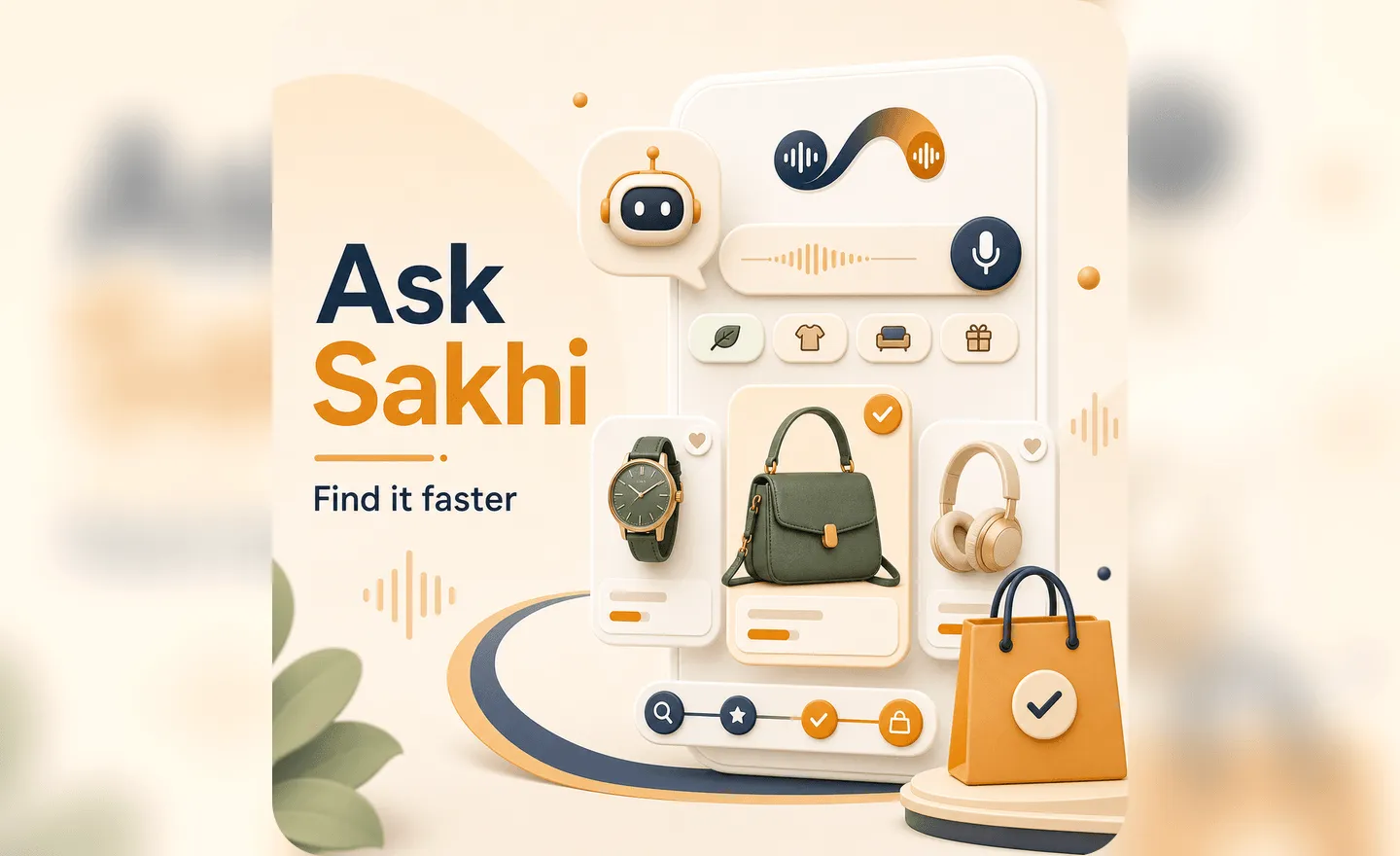
- The request. The customer opens Seathu and asks Sakhi in plain words, typed or spoken: "Milk, bread and a packet of tea".
- The suggestions. Sakhi reads the request and shows matching products from stores near the customer, with prices.
- The decision. The customer checks the items, removes or changes anything that is not right, and confirms the basket.
- The payment. The customer pays online at checkout.
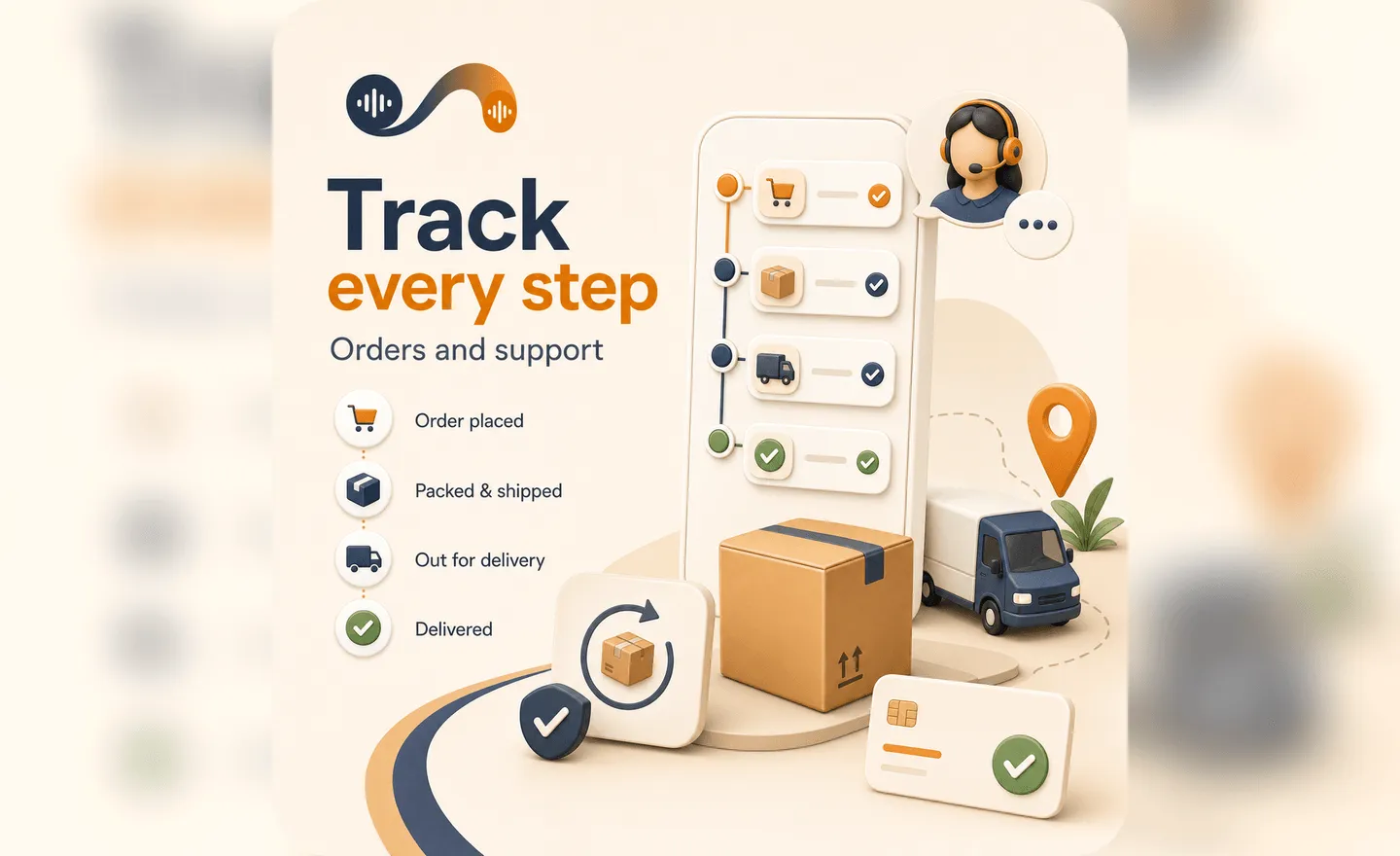
- The delivery. The order goes out for delivery, and the customer can track each step until it arrives.
Why did we build Seathu?
We built Seathu because local stores already have what customers want, but customers cannot ask them online. Big platforms make shopping feel easy, and neighbourhood shops lose orders they could serve. We wanted a platform where asking is the main way to shop, and where the answer comes from stores nearby.
At Gavallapalli, we work across engineering, technology and AI. Seathu is our first product, and our Technology team builds and runs it. Building our own product keeps us honest about what AI can and cannot do in real use, which shapes the work we do for clients.
How does Seathu work for customers?
A customer opens Seathu on the web or on Android and asks for what they need, by chat or voice. Sakhi, Seathu's AI assistant, understands the request and finds matching products in nearby stores. The customer reviews the suggestions, pays and tracks the order until it arrives.
What a customer can do on Seathu today:
- Ask Sakhi in plain language, by text or voice, instead of searching menus.
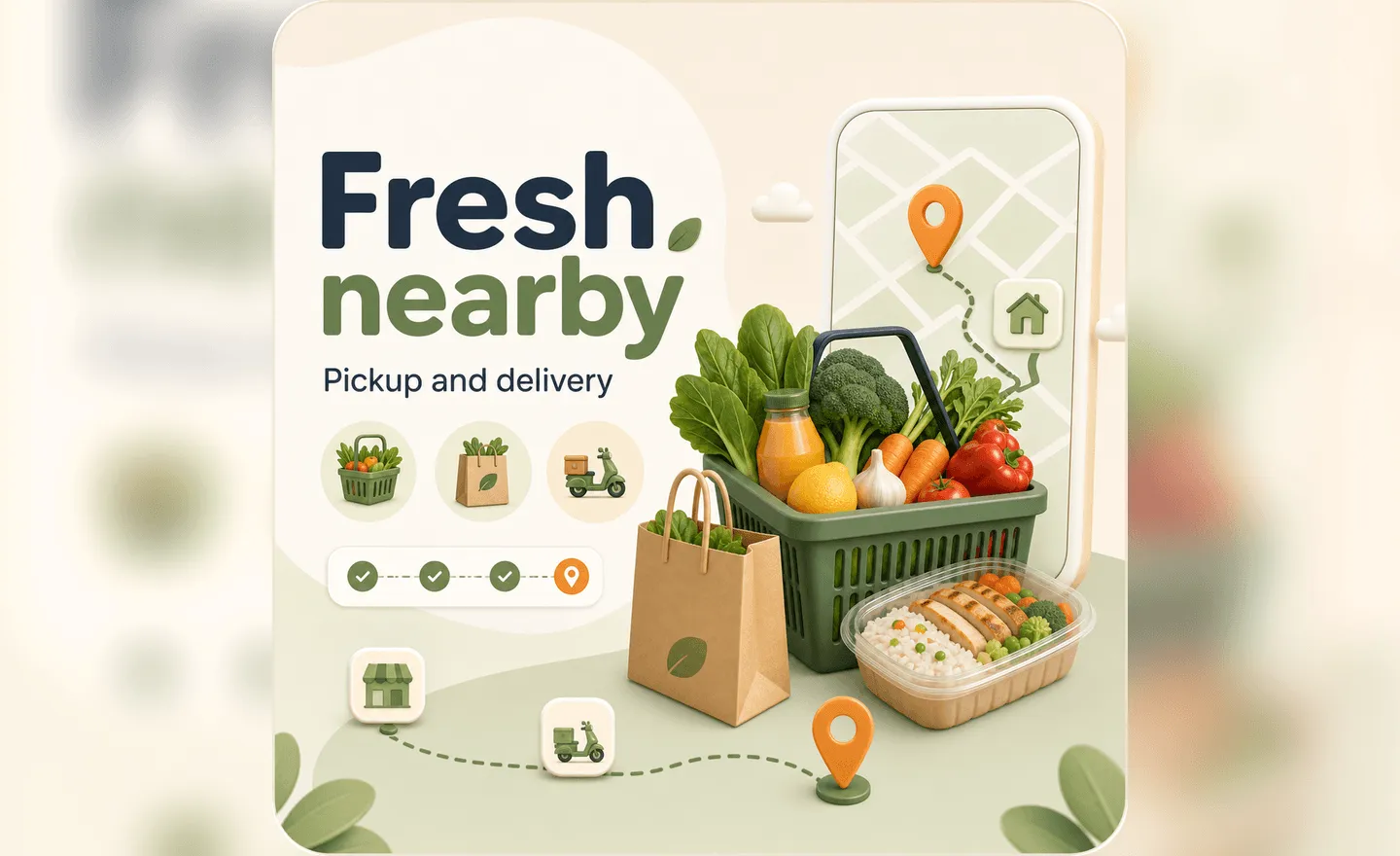
- Shop across categories in one place: everyday products, Fresh produce and groceries, and food from local restaurants.
- Discover something new in Today's Picks, a showcase of real products from stores on the platform that changes daily.
- Pay online at checkout.
- Track every order from placed to delivered.
How does Seathu work for merchants?
For a merchant, Seathu is a complete online storefront without building a website or an app. The store lists its products once. Seathu's AI shop assistant then answers customers and takes orders, while payments and delivery run through the same platform.
The parts a merchant gets:
- An online storefront with their products and prices.
- An AI shop assistant that answers customers by chat and voice.
- Ordering and payments in one flow.
- Built-in delivery, so the store does not need its own logistics setup.
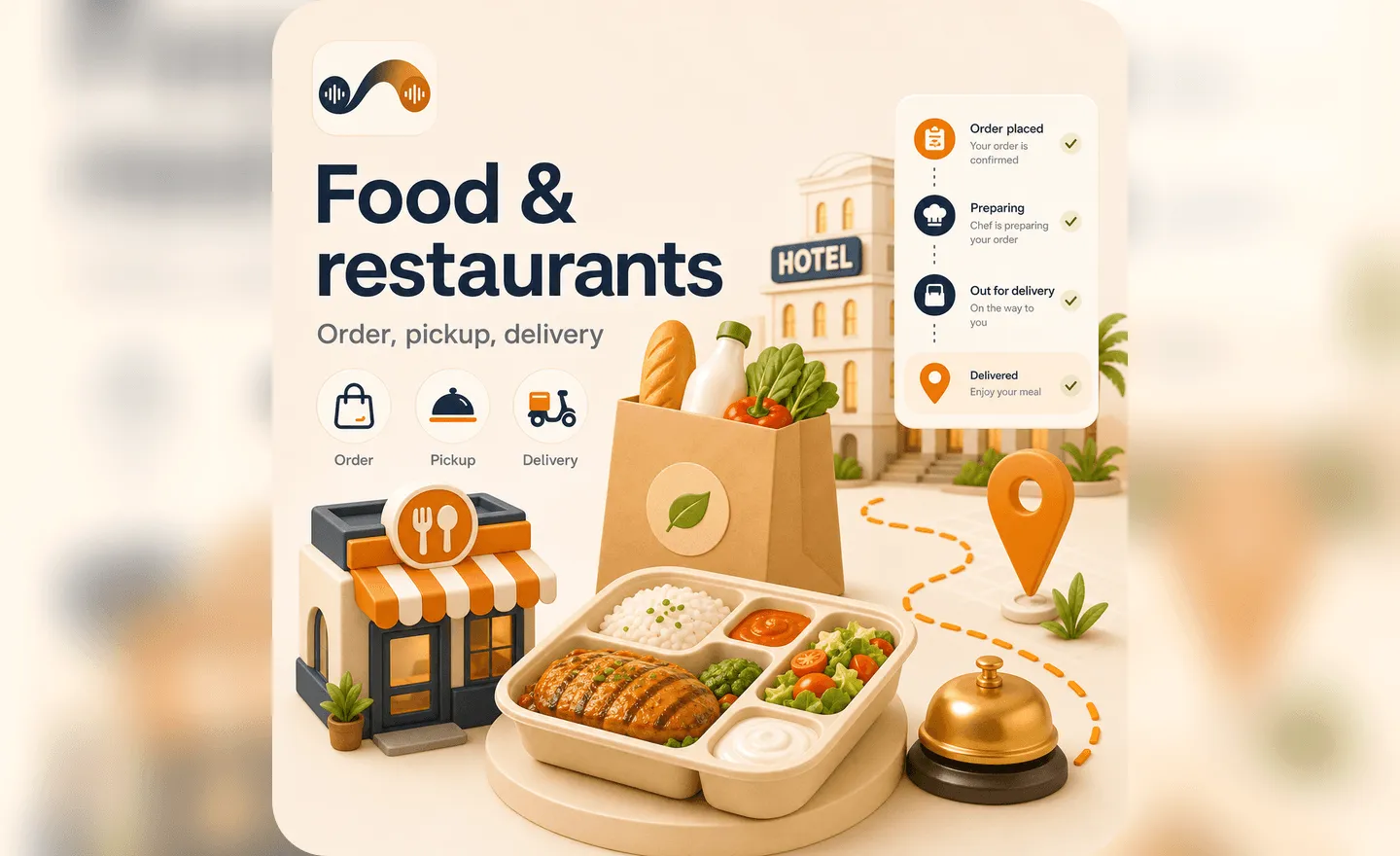
Restaurants use the same storefront for their menus, which is how food from local restaurants joined Seathu in July 2026.
Which channels work best for local stores?
Conversation can happen in several places, and each has trade-offs. A store's own phone line works but needs a person to answer every call. Messaging apps are familiar but turn into manual work at volume. A platform with a built-in assistant handles many conversations at once and connects them to payment and delivery.
| Channel | What works | What gets hard |
|---|---|---|
| Phone calls | Personal and familiar | One customer at a time, no record of orders |
| Messaging apps | Customers already use them | Typing replies, tracking payments and orders by hand |
| A store's own website | Full control | Costly to build, hard to be found |
| A platform with an AI assistant | Many conversations at once, payment and delivery included | The store depends on the platform's reach in its area |
Most stores end up using more than one. What matters is that the busiest channel does not depend on someone being free to answer.
How can a local store start selling through conversation?
A store does not need technical skills to begin. The work is mostly about keeping product information clear, so that an assistant, human or AI, can match a customer's words to the right item. These five steps apply on Seathu and on most conversational channels.
- List your best sellers first. Start with the 30 to 50 items customers ask for most, not your full catalogue.
- Use names people actually say. "Toor dal 1 kg" works better than an internal code or a brand-only label.
- Keep prices and stock current. A conversation fails fast if the suggested item is out of stock.
- Add a clear photo and one useful line per product. Size, quantity or weight helps the assistant and the customer.
- Watch what customers ask for. Requests you cannot fill tell you what to stock next.
How can a store tell whether it is working?
A store can judge conversational selling with a few simple measures it can check every week, without any analytics tools. Look at how many orders arrive, how many customers come back, and how often customers ask for things the store could not supply. Together, these show whether the store is easy to buy from.
- Orders per week. The simplest signal that customers are finding and using the store.
- Repeat customers. People who order a second and third time trust the experience.
- Requests you could not fill. Each one is a stocking idea, or a listing that needs a clearer name.
- Out-of-stock suggestions. If customers often see items that turn out to be unavailable, stock updates need to be more frequent.
- Time to confirm an order. Fast confirmation keeps customers from switching to another store.
What are the common mistakes to avoid?
Most problems with conversational selling start in the product listings. An assistant can only be as good as the product information behind it. These are the mistakes we see most often, and each one is quick to fix.
- Listing everything at once. Hundreds of half-described products confuse the assistant and the customer. Start small and clear.
- Using codes or shorthand. Internal names that customers never say make matching harder.
- Forgetting quantities. "Oil" could mean 500 ml or 5 litres. Put the size in the name.
- Letting stock drift. Out-of-date stock is the fastest way to lose a customer's trust.
- Ignoring what customers ask for. Unfilled requests are free market research.
When should a person step in instead of the AI?
An AI assistant handles the routine part of a conversation well: understanding a request, finding products and taking the order. People are still better at judgement, exceptions and relationships. A healthy setup lets the assistant do the repetitive work and leaves the store owner free for the moments that need a human.
Good moments for the store owner to step in:
- A complaint or a wrong item. A short personal reply repairs trust faster than any automated message.
- A large or unusual order. Bulk orders for a function or an office often need a price or delivery arrangement.
- A regular customer's special request. Knowing that a family prefers one brand is the kind of detail that keeps them loyal.
- Anything about health or safety. Questions about medicines, allergies or baby products deserve a careful human answer.
The aim is simple: the assistant saves the owner time on the hundredth "do you have milk?", so the owner has time for the customer who needs real help.
What should a store ask any platform about its data?
Before a store moves its sales onto any platform, it should know what happens to its product list, its customers and its money. These questions apply to every conversational commerce service, including ours. A good platform answers them clearly and in writing.
- Who owns my product list? The store should be able to edit and remove its listings at any time.
- How are payments handled? Payments should go through a regulated payment provider, with a clear settlement schedule.
- What customer information can I see? A store needs enough detail to fulfil and support each order.
- How is customer data protected? Ask where data is stored, who can access it and how it is kept secure.
- What happens if I stop using the platform? Leaving should be possible without losing the store's own product information.
What does a 30-day start look like for a local store?
A store can be selling by conversation within a month without changing how the shop runs day to day. The plan below spreads the work into four short weeks. Each week builds on the last, and none of it needs technical skills.
| Week | Focus | What to do |
|---|---|---|
| Week 1 | Best sellers | List the 30 to 50 items customers ask for most, with clear names, sizes and prices |
| Week 2 | Photos and details | Add a clear photo and one useful line to each listed item |
| Week 3 | Tell your customers | Let regular customers know they can now order by asking on their phone |
| Week 4 | Review and expand | Check unfilled requests and out-of-stock items, then add the next 20 products |
After the first month, the routine is light: keep prices and stock current, look at what customers asked for, and add products in small batches.
What did we learn building it?
We learned that shipping in steps matters more than launching everything at once. Seathu went live on the web in May 2026. We added Fresh and food delivery in July 2026, and the Android app reached Google Play in October 2026. Each step came from what customers and stores actually asked for.
Three lessons stand out:
- Customers mix needs. Real requests combine groceries, food and everyday items. A single conversation has to handle all of them.
- Store data quality decides the experience. The assistant can only suggest what a store has listed clearly and kept up to date.
- Plain language beats clever features. People trust an assistant that answers simply and admits when it is unsure.
What are the honest limits?
AI assistants are useful, but they are not perfect, and we say so. Sakhi can misread an unusual request, and it can only suggest what nearby stores have listed. Seathu also depends on which stores have joined in your area, so choice varies from place to place.
What we do about it:
- Customers always see and confirm the products before paying, so a misread request does not become a wrong order.
- Stores can correct their listings at any time, which improves the matches.
- We keep the assistant's answers short and clear rather than impressive.
Frequently asked questions
What is conversational commerce in simple words?
It means buying by asking. You tell a shop, or its AI assistant, what you need in your own words, by chat or voice, and it helps you choose and order. It works like talking to a shopkeeper, but on your phone.
What is an example of conversational commerce?
On Seathu, a customer can ask Sakhi for "rice, cooking oil and a pack of biscuits". Sakhi finds those items in nearby stores, the customer confirms and pays, and the order is delivered and tracked.
What is the difference between conversational commerce and social commerce?
Conversational commerce is about asking for what you want in a chat or by voice. Social commerce is about discovering products through social media posts. A store can sell by conversation without posting on social media at all.
Is conversational commerce the same as a chatbot?
A chatbot is one tool inside it. Conversational commerce is the whole way of selling: understanding the request, suggesting products, taking payment and supporting the order, inside one conversation.
Is conversational commerce only for online stores?
No. It suits neighbourhood stores especially well, because it brings the way they already serve customers, by talking, onto the phone. The store keeps its products and customers while reaching people who prefer to order from home.
Where to go next
If you run a local store, list your 30 best sellers with clear names, sizes and prices this week; that one step makes conversational selling work. To see how it feels as a customer, visit Seathu, or read more about Seathu on the Gavallapalli website.